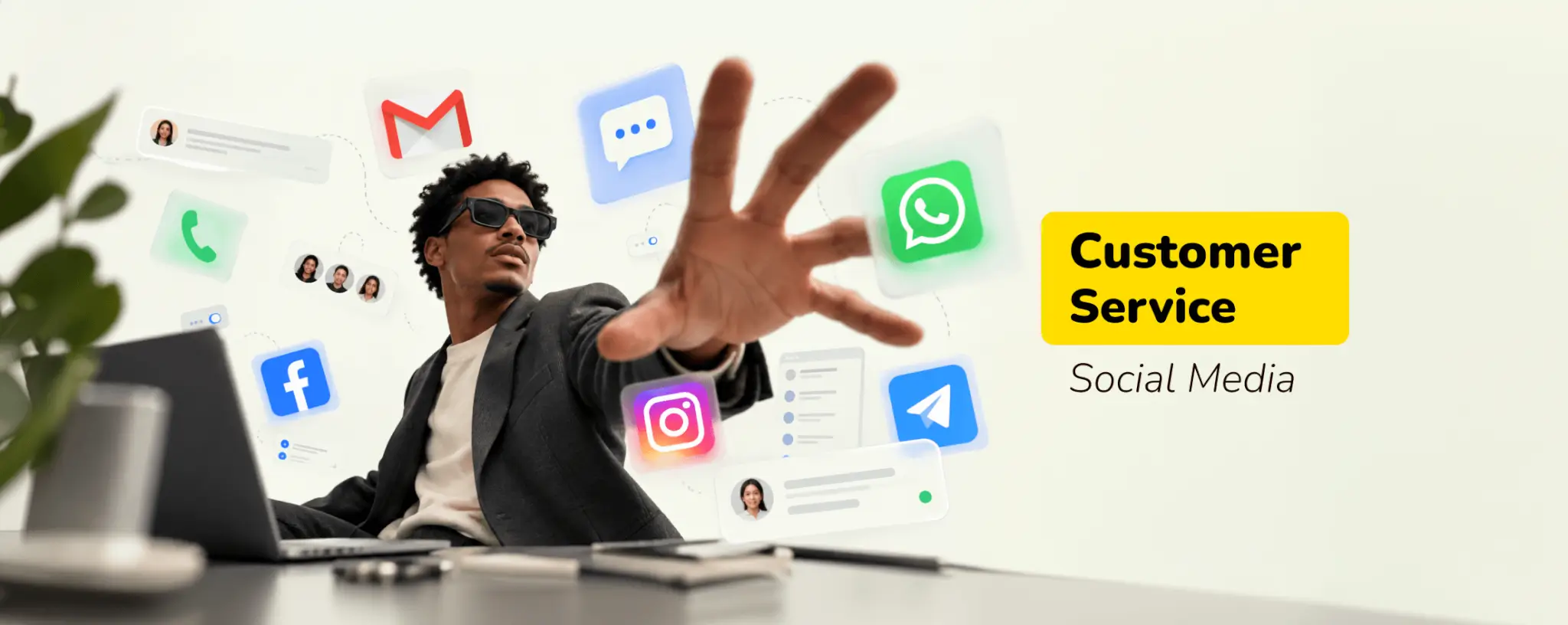
Customers now ask for help in the comments and DMs where they already spend their time. Social media customer service means answering those questions and complaints quickly enough that people don't leave for a competitor. This guide is for support leads and founders whose social inboxes have outgrown a spare hour each afternoon. It covers the practices and staffing that hold up as volume climbs.
Key Takeaways
- Silence on social costs more than a slow reply, because unanswered customers take their business to a competitor in full public view.
- A clear rule for what gets answered publicly and what moves to private messages protects the customer's data and your reputation.
- AI can clear repeat questions around the clock, but most customers still want a person once the problem gets complicated.
- One shared inbox for every channel stops agents from losing context when a customer jumps from Instagram to email.
According to Sprout Social's 2025 Index, 73% of social users say they'll buy from a competitor if a brand doesn't respond to them on social. That's a sales problem disguised as a support task. A missed DM rarely stays private for long either, since frustrated customers tend to repost the complaint where everyone can read it.
Customers used to treat a brand's Facebook page as a last resort after email failed. Many now start there, because messaging a brand feels faster than filling in a contact form. That shift puts customer support on social media in the same category as live chat. It's a front-line channel that needs its own response targets and staffing plan.
Why Answering on Social Pays Off
Most teams start answering on social because customers leave them no choice. The teams that stick with it find the channel pays them back in ways an email queue rarely does. Retention improves, and product gaps surface weeks before they'd show up in a survey.
When a customer complains publicly and gets a fast, useful answer, two things happen. You fix their problem, and everyone scrolling past sees a brand that shows up. Good customer service on social media works like advertising you don't pay for. Prospects read your replies as a preview of how you'll treat them after they buy.
Social threads also work as an early warning system. When five people ask about the same delayed order in one afternoon, you've found a problem before it reaches your churn reports. Share those patterns with product and operations every week, and the support team starts preventing tickets instead of only closing them.
Marketing gets something useful out of it too. The questions people ask under an ad show what the ad failed to explain, and that's cheaper feedback than another round of A/B tests. A recurring "does this work with my setup?" comment usually means the landing page needs one more line of copy.
Social Media Customer Service Best Practices
The practices below cover the parts of social support that go wrong most often, from slow replies to threads that should've moved to DMs. Each one needs a clear owner and a written rule the whole team follows, weekend staff included.
Reply Fast and Tell Customers When to Expect an Answer
Speed is the first thing customers judge. Platform rules add a hard deadline on Messenger and Instagram as well. Meta's Messenger Platform documentation gives businesses 24 hours to reply after a customer's last message, and standard replies stop going through once that window closes.
You won't answer every message within minutes, especially overnight. You can set expectations, though. Put your support hours in the bio and set an automatic first reply that says when a person will follow up. Pick a response target your team can hit on a bad day, not on its best one.
Answer Everything, Including the Awkward Posts
Comments, DMs, tags, and untagged mentions all count as customer messages, even when your team files some of them under marketing. Ignoring a negative comment won't make it disappear. More often, it collects replies from people who had the same experience. A calm, specific answer under the post does more for you than deleting it.
Write a short internal guide for the replies that make agents nervous: refund disputes, outages, rude comments, and posts that mention a competitor. Agents who know the approved approach answer faster. They also sound like the same brand, whoever happens to be on shift that day.
Know When to Move a Conversation to Private Messages
Some questions belong in public, and some should never stay there. Anything involving order numbers, account emails, payment details, or ID documents moves to DMs right away. A public thread is the worst place for personal data, and your team can adopt the rule set below as it is.
Public Reply or Private Message?
| Situation | Where to reply | Why |
| General product question | Publicly | Other customers likely have the same question |
| Complaint about a late order | Publicly first, then in DMs | Shows you responded and keeps order details private |
| Billing or account access issue | DMs only | Involves personal or payment data |
| Outage or known bug | Publicly, plus a pinned update | One answer reaches everyone affected |
| Abusive or spam comment | Hide or report, don't argue | Engaging gives it more visibility |
Keep Your Profile Details Current
Customers check your profile before they message you. If the bio lists an old support email or hours you no longer keep, you've created a complaint before anyone types a word. Review profile details every quarter, and update them the same day anything changes, such as a new support address or holiday hours.
Monitor Mentions You Weren't Tagged In
Plenty of customers talk about a brand without tagging it. Social listening tools find those posts by tracking your brand and product names, including common misspellings. Social customer service covers these posts too, and catching an untagged complaint early gives you a chance to help before it spreads.
The same tools show when your audience is most active. Match staffing to those peaks instead of a standard nine-to-five schedule, since a Sunday evening backlog is where response times usually fall apart. Good social media customer service depends as much on scheduling as it does on writing skill.
Bring Every Channel Into One Inbox
Customers don't stick to one channel. Someone might comment on Instagram and follow up by email two days later, expecting the next agent to know the whole story. When those messages land in separate tools, agents ask the same questions twice and customers repeat themselves.
An omnichannel customer support setup puts social, email, chat, and voice in one workspace with a shared history. Agents see the full conversation before they reply, and managers can track response times across every channel from one place. Nobody has to ask a customer for their order number twice.
We saw how much this matters with NotaryPublic24, a remote online notarization and Apostille platform. The company needed a team for customer requests and calls, plus a workflow that could grow with it. SupportYourApp integrated Intercom and set up routing and escalation flows, so agents handled every request from one place. That setup helped NotaryPublic24 cut resolution time by 64%.
Let AI Handle Repeat Questions and People Handle the Rest
A large share of social traffic is the same handful of questions, like where an order is or how to reset a password. An AI agent can answer those around the clock in seconds. Customers still want a person for anything messier, though. Emplifi found that 67% of consumers prefer a human response over AI when they contact brands on social media.
Most teams end up splitting the work. SupportResponse, our AI agent, answers routine questions 24/7 in 45 languages across Instagram, Facebook Messenger, WhatsApp, and live chat. It escalates complex cases to a human agent. Teams using it reach 80% autonomous resolution, which leaves agents more time for conversations that need judgment.
Where you draw the line depends on risk. Refund disputes and anything a screenshot could turn into a headline should go to a person every time. Our guide to AI vs human customer service walks through how to split ticket types between the two.
Staff for Peaks and Time Zones
Social never closes. A viral post or a holiday sale can multiply message volume overnight, and an in-house team sized for an average Tuesday won't keep up. Social media customer support needs a plan for those spikes before they happen, not a scramble while the comments pile up.
Language matters as much as hours. Customers expect a reply in the language they wrote in. Machine translation often misses tone, and in a public thread, tone carries half the message. Multilingual customer support with native-speaking agents covers that without hiring for every market yourself.
How to Use Social Media for Customer Service: A Setup Checklist
If your team is starting from scratch or rebuilding after a messy year, this order of work keeps the project manageable. Each step builds on the one before it, so skipping ahead usually means redoing work a few weeks later.
- Pick the channels your customers use. Check where questions already arrive before you open a support account on every new platform.
- Set hours and response targets. Publish them in each bio so customers know when a person will answer.
- Write saved replies for your most common questions. Our breakdown of what to automate first helps you decide which of those an AI agent can take over later.
- Define the escalation path. Agents should know who handles refunds and legal threats, and how quickly.
- Review the numbers weekly. Track first response time and CSAT for social separately from email, since the two channels behave differently.
Social Media Customer Service Examples
Good replies follow the same pattern on every platform. They name the problem and give a specific next step, in a voice that sounds like a person wrote it. Platform-specific tricks matter far less than getting that structure right every time.
A Late Delivery Complaint
Customer comment: "Ordered two weeks ago and still nothing. Great service."
Brand reply: "Sorry about the wait, that's longer than it should be. Can you DM us your order number? We'll check with the courier and get back to you within the hour."
The reply moves the order details to DMs and gives the customer a timeframe the team can keep. It also skips the defensive tone that sarcastic comments tend to provoke. Anyone reading the thread later sees a brand that took the complaint seriously instead of a comment left hanging.
A Double Charge Report
Customer post: "Your app charged me twice this month. Anyone else?"
Brand reply: "That shouldn't happen, and we want to fix it today. We've sent you a DM so you can share your account email privately."
Billing problems never get solved in a public thread. The public reply shows other followers that the brand responded, while the refund and account check happen in private. Keep the public part to two short sentences, and leave amounts and account details out of the thread.
When to Outsource Social Support
Answering social messages in-house works while volume stays small and predictable. It gets harder once you need overnight coverage in several languages or extra hands for a product launch. At that point, social media customer care stops being a side task and turns into a full shift pattern.
That's usually when social media customer service outsourcing starts paying for itself. SupportYourApp has supported tech companies since 2010, with 24/7 coverage across 60+ languages. Our agents handle comments and DMs in your brand voice, with escalation paths your team agrees on in advance.
Teams handling payment or health data also get a provider that works under PCI DSS Level 1 and Level 2, ISO/IEC 27001, GDPR, CCPA, and HIPAA requirements. If your social inbox has outgrown your team, connect with us and we'll scope coverage around your volume and languages.