


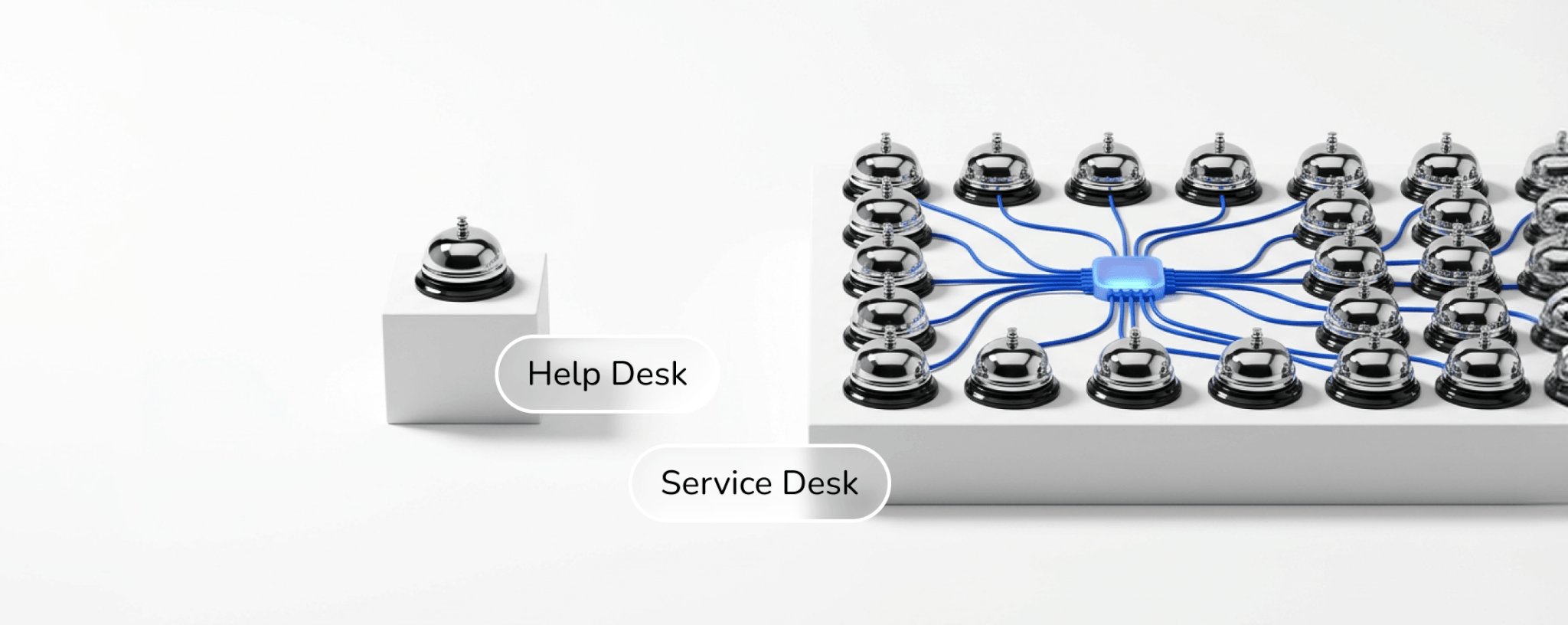
If your IT tickets keep bouncing between people, the support model might be the problem. The difference between help desk and service desk comes down to scope. A help desk fixes issues as they appear, while a service desk manages every IT service a company runs on. This guide helps founders and support leads choose.
Key takeaways
- A help desk is the fix-it crew for everyday tech problems, built to get people back to work fast.
- A service desk manages the whole IT service lifecycle, from access requests to changes and long-term fixes.
- Many growing companies start with a help desk, then add service desk processes as their IT gets more complex.
- You can outsource either model, and AI now takes routine tickets off the plate in both setups.
Why the Choice Matters
IT incidents cost more than you'd think. HappySignals' Global IT Experience Benchmark 2026 found that employees lose 3 hours and 18 minutes of productive time per IT incident. Spread that across a few hundred tickets a month, and support stops being a back-office detail. It's a payroll problem.
The same report shows that 13.3% of tickets go through multiple reassignments, and every handoff adds frustration. That's a structure problem. When nobody owns routing or follow-up, tickets drift from person to person. Your support model decides who owns those steps. So the two terms aren't interchangeable.
What Is a Help Desk?
Think of it as the first stop when something breaks. An employee can't log in, a laptop won't connect to Wi-Fi, or a customer hits an error in your app. The help desk logs the ticket, works out a fix, and closes it. Speed is the whole point.
Most help desks run on a ticketing tool with a shared inbox and a knowledge base. Agents handle password resets, software installs, printer trouble, and connectivity issues. Anything bigger, like a server outage or a buggy release, goes to engineers. The job ends there. Once the user is back at work, the ticket closes.
Where a help desk works well
Smaller teams get the most out of this setup. It's quick to launch, cheap to run, and easy to measure through first response time and resolution rate. Startups often begin here. They need someone answering tickets today, not a process map for next year. Plenty of companies never need more.
Where it falls short
Help desks react. They fix the same VPN error for the tenth time without asking why it keeps happening. There's rarely a link to change management or asset tracking. Then the company grows. As headcount rises and tools pile up, that reactive loop turns into backlog, and agents end up firefighting instead of solving problems for good.
What Is a Service Desk?
It's the single point of contact between IT and everyone who uses its services. It still fixes broken things. It also processes access requests and software changes, then tracks how each service performs over time. Picture a help desk with a longer memory. The job description is wider too.
That wider job is where the ITIL framework comes in. Most service desks follow ITIL practices for incident and problem management, along with change control. So when the same VPN error shows up ten times, a service desk logs it as a problem and finds the root cause. Then it fixes that. The repeat tickets stop.
Where a service desk works well
An ITIL service desk pays off for larger companies with many tools, offices, or compliance rules. A fintech firm juggling access controls across dozens of apps needs more than quick fixes. It needs records of who asked for what, who approved it, and when. Service desks keep that trail. Auditors love it.
Where it falls short
That structure isn't free. Setting up an IT service management platform and defining workflows can take months. For a 20-person startup, it's usually too much process too early. The approval chains that protect a bank can slow a small team down. People start working around the system.
Help Desk vs Service Desk ITIL: How the Framework Draws the Line
ITIL, the most widely used IT service management framework, treats these as different levels of maturity. In ITIL 4, the service desk is a formal practice. It captures demand for incident fixes and service requests, and it's the entry point for all users. The help desk isn't listed at all.
In day-to-day use, many IT teams describe the help desk as the incident-handling slice of a service desk. It covers break-fix work. The ITIL version covers that too, then connects it to request fulfilment and knowledge management. One is a task list. The other is a full practice.
The service desk meaning in ITIL is a guide, not a rulebook. You don't need a certification to run one. Many teams borrow the pieces that solve their problems, like a service catalogue or a change approval step. They skip the rest. It's a menu, not a contract. Take only what helps.
Here's a quick way to test your own setup. Pull last month's tickets and count how many were requests rather than incidents. If requests make up a big share, you're already doing service desk work. Most teams find a mix. The label on the team matters less than the process behind it.
Difference Between Help Desk and Service Desk: 5 Key Areas
Both models answer tickets, so the overlap is easy to spot. The gaps show up in five places. They matter more than they look. The table below compares them side by side. Each area then gets a closer look, so you can match the right model to how your team works today.
Help Desk and Service Desk at a Glance
| Area | Help desk | Service desk |
| Approach | Reactive: fixes issues as they appear | Proactive: fixes issues and prevents repeats |
| Scope | Incidents and basic how-to questions | Incidents, service requests, changes, IT assets |
| Users | Employees, customers, or both | Everyone who relies on IT services |
| Framework | Often informal | Usually built on ITIL practices |
| Tools | Ticketing, shared inbox, knowledge base | ITSM platform, service catalogue, CMDB, workflow automation |
| Key metrics | First response time, resolution time | SLA compliance, change success rate, service uptime |
| Best fit | Startups and smaller teams | Mid-size and large companies, regulated industries |
1. Reactive vs proactive
A help desk waits for something to break. A service desk watches for patterns. If ten people report slow email on Monday morning, the help desk closes ten tickets. The service desk closes them too, then opens a problem record so it doesn't happen again next Monday. That's the biggest gap.
2. Scope of work
Help desks keep it narrow. They stick to incidents and simple how-to questions. Service desks add service requests, like new software licences or access to a shared drive, plus change management and IT asset tracking. The wider scope means one team sees the whole picture. It also means more rules.
3. Who they support
A help desk can support employees, customers, or both. Plenty of SaaS companies run a customer-facing help desk for product questions. Service desks usually stay internal. That's a help desk vs service desk difference people often miss. It also explains why some businesses run both models side by side, one for each audience.
4. Tools and automation
The toolkits differ a lot. Help desk software covers ticketing, a shared inbox, and a knowledge base. Service desk platforms add a service catalogue, a configuration management database, and workflow automation that sends requests for approval. A service desk tool also links incidents to changes, so you can see which update broke what. That link saves hours.
5. Metrics
Help desks track speed, mainly first response time and time to resolution. Service desks track those as well. They add SLA compliance and change success rate. The shift says a lot. A help desk measures how fast it fixes things, while a service desk measures how well IT runs overall.
Help Desk or Service Desk: Which One Does Your Business Need?
There's no universal winner here. The right pick depends on how complex your IT is today and how fast it's growing. Use the signals below as a starting point. Nothing here is permanent. You can move from one model to the other as the company changes.
Signs a help desk is enough
A help desk usually covers your needs if most of these sound familiar:
- Your team is small and relies on a short list of core tools.
- Most tickets are repeat issues like logins, installs, and connectivity.
- You don't face strict audit or compliance requirements yet.
- You need coverage fast and can't wait months for process design.
Signs you've outgrown it
You probably need a service desk when these start piling up:
- The same incidents keep coming back, and nobody tracks why.
- Access requests and approvals live in email threads and chat messages.
- You work in a regulated industry like fintech or healthcare and need a clear audit trail.
- Software updates regularly break something for users.
The service desk vs help desk decision isn't all-or-nothing either. Many companies run a hybrid for years, with a lean help desk for customers and a service desk for internal IT. What matters most is simple. Every ticket needs a clear owner and a clear next step.
Where AI Fits in Both Models
AI is changing both setups fast. Gartner predicts that 40% of enterprise applications will include task-specific AI agents by the end of 2026, up from less than 5% in 2025. That shift reaches support too. Routine tickets increasingly get solved before a person sees them.
On a help desk, AI agents can answer password questions and walk users through known fixes at any hour. SupportYourApp's SupportResponse works this way. It resolves routine tickets end-to-end in 45 languages, 24/7, and hands complex cases to a human agent. Teams using it see 80% end-to-end resolution.
People still matter, though. Edge cases and security calls need human judgment. Knowing the difference between help desk and service desk helps here, since the AI tasks on each side look different. Our guide on what to automate first is a practical place to start.
Outsourcing Either Model
Building either model in-house means hiring agents and covering nights and weekends. That's a heavy lift. Outsourcing hands the daily work to a team that already has trained agents and working processes. You keep control of priorities and escalation rules, while the partner absorbs the ticket volume.
Clear scope makes an outsourcing deal much easier to set up. SupportYourApp runs help desk outsourcing and outsourced IT support with Tier 1 to Tier 3 coverage in 60+ languages. The team is PCI DSS Level 1 and ISO/IEC 27001 certified. Your data stays protected.
Here's how the difference between help desk and service desk plays out in practice. A mid-sized IT help desk provider needed Level 1 and Level 2 desktop support across macOS, Windows, and Linux. Requests arrived by email, instant messaging, and in person. Nobody triaged them consistently. SupportYourApp built a dedicated team that sorted, prioritised, and tracked every ticket to resolution.
That's service desk thinking applied to a help desk workload. It worked. Documented handoffs meant any agent could pick up an issue midstream, and clear escalation paths moved hard cases to the right people. The client reached a 96% ticket resolution rate and saw a 25% increase in CSAT scores.
If you're comparing vendors, our roundup of top help desk outsourcing companies covers the main options and what each provider does best. Use it to build a shortlist. Price shouldn't decide alone. Your ticket mix and compliance needs matter more.
Final Thoughts
Help desk vs service desk isn't a contest with one winner. It's a question of fit. A help desk keeps people working when something breaks. A service desk runs IT as a set of services. Its processes stop the same problems from coming back week after week.
Start small. Build for what your team needs this quarter, not what a framework says you should have. If tickets are simple and volume is steady, a help desk does the job. If approvals and audits keep piling up, add service desk practices. You can build them in-house or bring in a partner who's done it before.










