
Every support vendor now promises AI agents and a single inbox for every channel, which makes vendor pages hard to tell apart. This guide helps support leaders at growing SaaS, fintech, and ecommerce companies pick the best customer service CRM for their team. We compared seven platforms and noted where each one falls short.
Key takeaways
- A customer service CRM ties every conversation to one customer record, so people stop repeating themselves.
- AI pricing has moved toward paying per resolution, which makes the seat price only part of the bill.
- Enterprise suites suit complex operations, while budget help desks keep costs low for smaller teams.
- In fintech and healthcare, compliance and the people running the tool matter as much as features.
Service quality shows up in revenue fast. In a Q3 2025 study of more than 20,000 consumers, Qualtrics XM Institute found that 47% of bad experiences led people to cut spending. A CRM won't fix a broken process, but it closes many of the gaps where bad experiences start.
What Is a Customer Service CRM?
A customer service CRM is software that stores every customer interaction in one record and gives agents the context to resolve issues faster. It pulls in emails, chats, calls, and tickets, then links them to the account and its purchase history. Agents work from one screen instead of hopping between browser tabs.
The difference from a sales CRM comes down to what happens after the deal closes. A sales CRM tracks leads and pipeline stages to forecast revenue. A CRM for customer support tracks tickets, SLAs, satisfaction scores, and the history of every issue a customer has raised. Many vendors sell both as separate modules.
A help desk is the narrower tool. It handles ticket intake and routing, while a CRM also stores customer data and connects support to billing. If you need ticketing more than full CRM tools for customer service, see our guide to the best help desk software.
How CRM Improves Customer Service
A CRM improves customer service by giving agents the whole customer story before they reply and by taking routine work off their plates. Teams asking how can CRM improve customer service usually notice the change in ticket handling first, then in reporting a few weeks later.
Ticket history is the most immediate gain. When an agent opens a conversation, the CRM shows every earlier ticket, refund, and complaint from that customer. Nobody asks for an order number twice, and a second agent can take over without reading a long email chain.
Personalization follows from that history. An agent who can see the customer's plan and recent purchases can adjust the reply before writing a word. A long-time enterprise account gets a different tone than a trial user. The CRM can also route those accounts to senior agents.
Omnichannel support keeps one thread when customers switch channels. A customer who starts in chat and then calls should reach an agent who already sees the chat. Without a shared record, each channel turns into a silo, and customers explain the same problem again.
Automation removes the repetitive steps around each ticket. Rules can tag and route tickets by topic and close resolved cases, while AI agents answer routine questions on their own. Our guide to customer service automation covers where to start and which tasks to keep with humans.
Reporting shows where service breaks down. A CRM tracks first response time, resolution time, and CSAT by channel and issue type. That data tells you whether slow replies come from staffing gaps or missing help articles, so managers fix the cause.
Agent productivity improves when people stop juggling software. In a Freshworks survey, 36% of customer service agents named too many tools to toggle between as a common problem. A single workspace with history, macros, and AI suggestions cuts that switching and leaves more time for cases that need judgment.
How We Evaluated These 7 Customer Service CRM Platforms
We checked each platform against seven criteria that decide how a tool performs after the demo. A CRM for customer service and support has to work for agents on a busy Monday and for the finance team reviewing the invoice. Here's what we looked at:
- Omnichannel capabilities: which channels land in one inbox without extra products.
- AI features: what the AI agent and agent-assist tools do, and how vendors bill them.
- Integration depth: native connections to billing and ecommerce tools, plus API access.
- Compliance certifications: ISO 27001, SOC 2, and GDPR, plus HIPAA or PCI DSS for regulated data.
- Pricing transparency: whether the vendor publishes prices. Figures here are 2026 annual list rates, and AI fees change fastest.
- Ease of setup: how long a mid-sized team needs before agents use the tool daily.
- Customer reviews: recurring complaints on G2 and Capterra.
Best Customer Service CRM Platforms in 2026
The right pick depends on team size, channel mix, and how much support work you plan to automate. These seven platforms range from enterprise suites to budget help desks. We added SupportYourApp's own CRM customer service software because it can come with a trained support team, which changes the buying math.
1. Zendesk
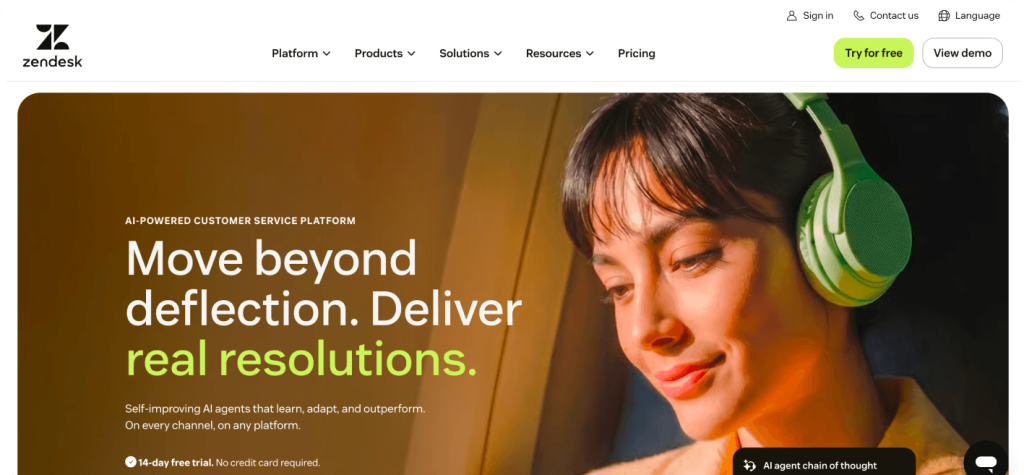
Zendesk is the default choice for many mid-sized and large support teams. Its Suite plans bundle ticketing, messaging, voice, and a help center in one workspace. Since May 2026, every Suite plan includes AI agents, billed per automated resolution after a small monthly allowance.
Key features
- Agent Workspace that covers email, chat, messaging, social, and voice
- AI agents billed per resolution, plus Copilot for agent assist as a paid add-on
Pros and cons
- Pro: a mature product with plenty of admins who already know it.
- Con: costs climb once you add Copilot, quality assurance, and AI fees on top of the seat price.
- Best for: mid-sized and enterprise teams that want an all-in-one platform and have budget for add-ons.
2. SupportCRM by SupportYourApp
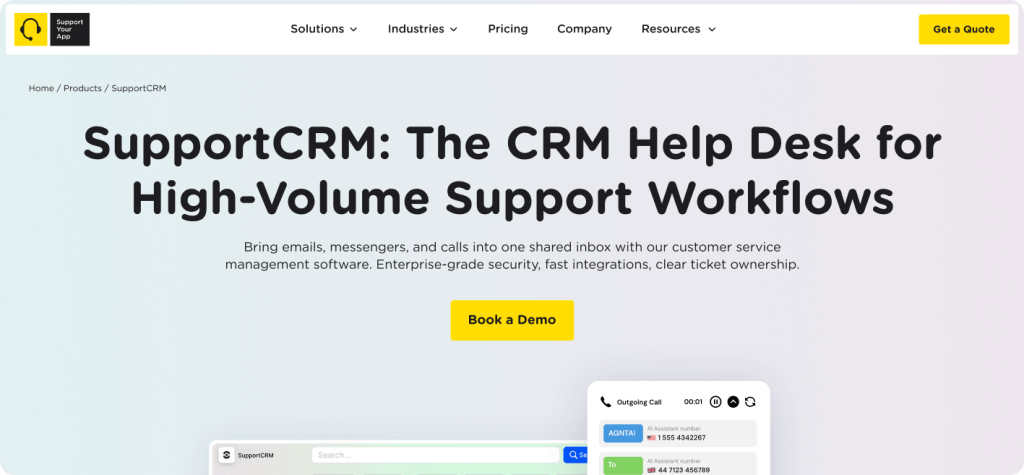
SupportCRM is a unified inbox that brings email, voice, and chat into one agent workspace, so agents manage tickets and conversations without switching tools. It belongs to SupportYourApp's Support Intelligence Hub. SupportYourApp also runs help desk outsourcing, so one partner can supply both the workspace and a trained team.
Key features
- One inbox for email, voice, and chat, available 24/7, with built-in analytics and reporting
- ISO/IEC 27001, PCI DSS Level 1 and Level 2, GDPR, CCPA, and HIPAA compliance
- SupportVoice, SupportYourApp's AI voice agent, runs on SupportCRM for inbound and outbound calls
Pros and cons
- Pro: broad compliance coverage for fintech and healthcare, plus an optional 24/7 outsourced team.
- Con: integrations are custom builds on request rather than a self-serve marketplace, and SupportCRM is the workspace, not an AI agent.
- Best for: companies that want omnichannel support run end to end, especially in regulated industries.
3. Freshdesk
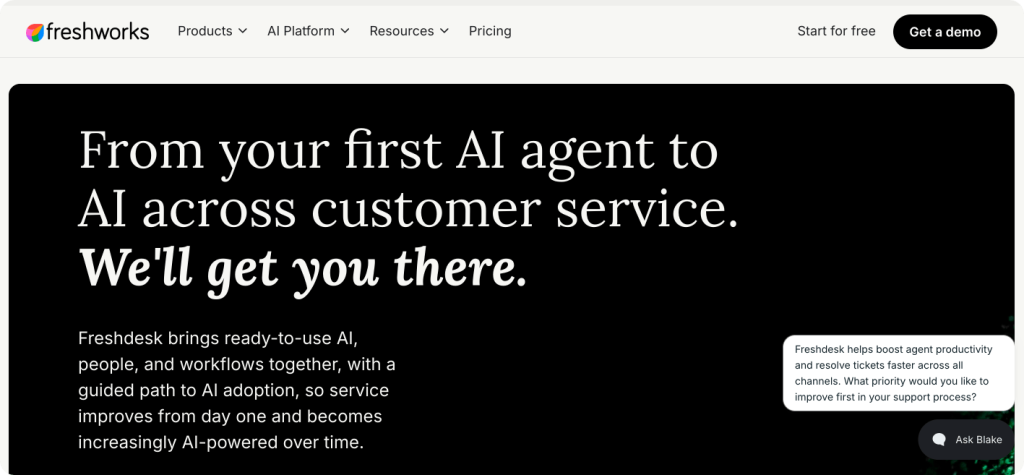
Freshdesk, from Freshworks, is the value pick among full help desks. Freddy AI covers both sides of a ticket, with an AI Agent that answers customers and a Copilot that drafts replies for agents. Chat and voice live in the separate Freshdesk Omni product.
Key features
- Ticketing, shared inbox, customer portal, and knowledge base from the Growth plan
- Freddy AI Agent billed in session packs, and Freddy AI Copilot as a per-agent add-on
Pros and cons
- Pro: a low entry price and a setup small teams can handle without a dedicated admin.
- Con: AI session packs add a variable cost, and full multichannel support means moving to Omni.
- Best for: small and mid-sized teams that start with email and want room to grow.
4. Intercom
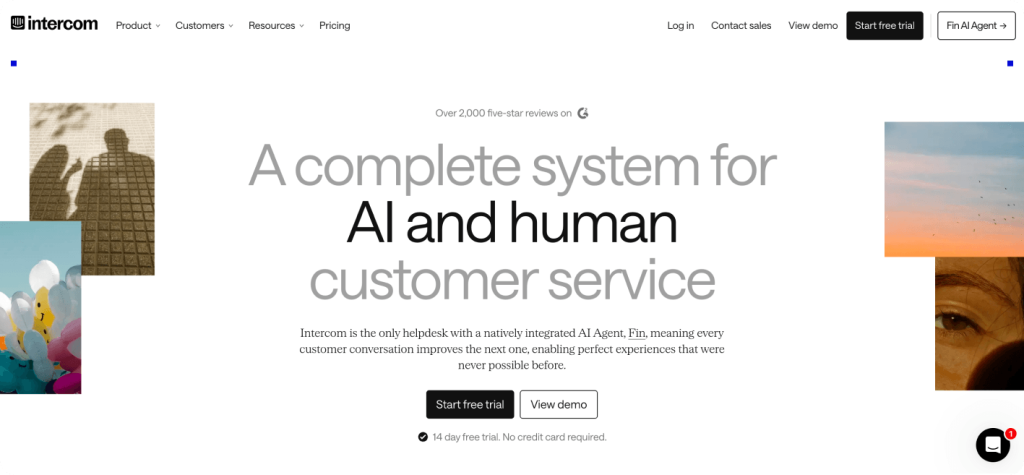
Intercom built its name on in-app messaging and now leads with Fin, its AI agent. The company now operates under the Fin name, and Salesforce completed its acquisition of Fin in September 2026.
Key features
- Fin AI agent across chat, email, and voice, billed per outcome
- Shared inbox, ticketing, and help center on every plan
Pros and cons
- Pro: Fin also runs on top of other help desks, so teams can test it without migrating.
- Con: bills swing with Fin volume, and pricing or the roadmap may shift now that Fin is part of Salesforce.
- Best for: SaaS companies with high chat volume and a product-led support model.
5. HubSpot Service Hub
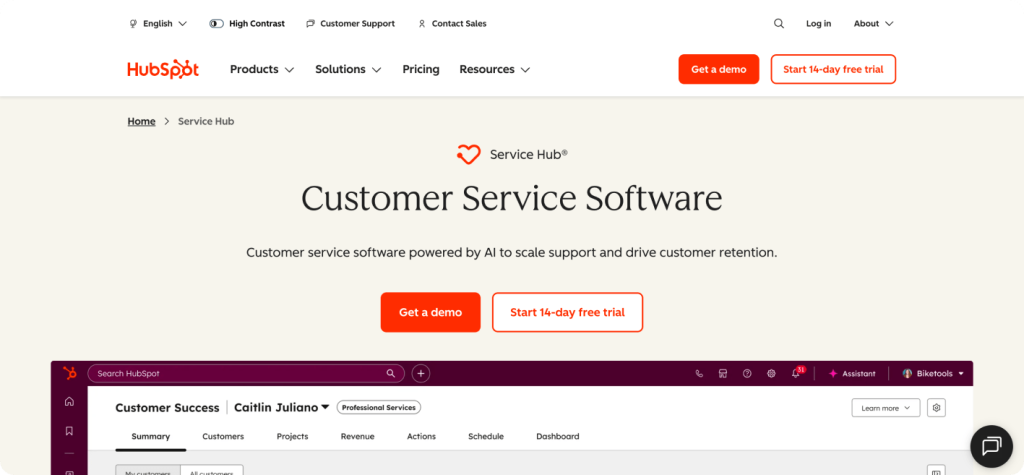
HubSpot Service Hub makes the most sense when marketing and sales already run on HubSpot. Tickets and chats share one contact record with deals and emails from Marketing Hub and Sales Hub.
Key features
- Help desk workspace, SLA management, knowledge base, and CSAT surveys on Professional
- Breeze Customer Agent, billed at about $0.50 per resolved conversation in HubSpot Credits
Pros and cons
- Pro: the cleanest single customer record for companies already on HubSpot.
- Con: most service features worth paying for start at Professional, a steep jump from Starter.
- Best for: SMB and mid-market companies that want sales and support on one platform.
6. Salesforce Service Cloud
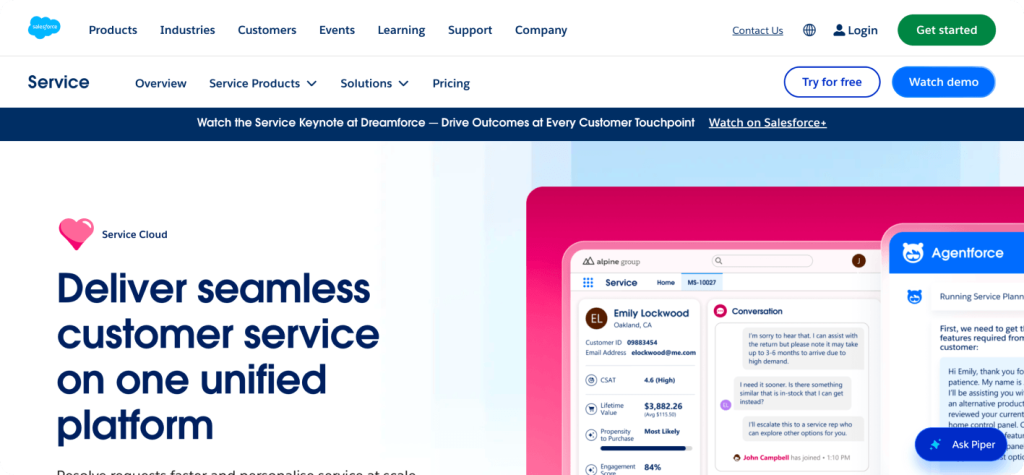
Salesforce Service Cloud is the most configurable option here, with Flow and AppExchange for customization, and the most expensive to run well. Agentforce, the Salesforce AI agent layer, bills on consumption on top of seats, either per conversation or through Flex Credits.
Key features
- Case management and omnichannel routing, with field service options
- Agentforce AI agents for customer-facing and employee-facing work
Pros and cons
- Pro: handles complex, multi-team service operations that smaller tools can't model.
- Con: most teams need an implementation partner, and add-ons for messaging, voice, and AI stack up.
- Best for: enterprises with large support teams and in-house Salesforce expertise.
7. Zoho Desk
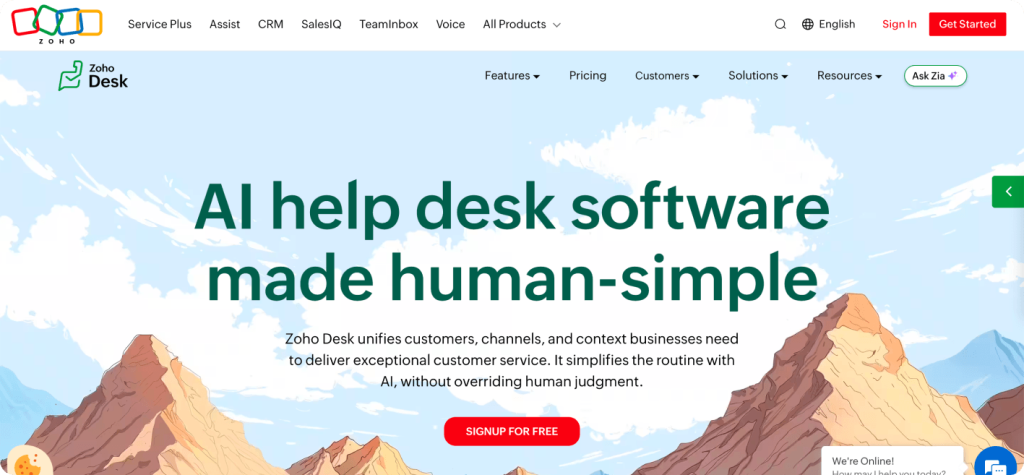
Zoho Desk is the budget choice, with a free-forever plan for up to three agents. Zia, Zoho's AI layer, adds an answer bot from the Standard plan, with fuller generative and predictive features arriving on Professional and Enterprise.
Key features
- Multi-department ticketing with Blueprint process automation
- Zia AI and an answer bot, with depth depending on plan
Pros and cons
- Pro: the lowest cost per agent in this comparison, with unlimited agents from the Professional plan.
- Con: phone support starts on Professional through a connected telephony provider, and the full SalesIQ live chat arrives only on Enterprise.
- Best for: cost-conscious teams and companies already using Zoho apps.
Comparison Table
This table lines up the seven CRM tools examples for customer service side by side. It shows pricing models instead of list prices, because AI usage fees often change the final bill more than seats do. Use it to narrow the list before booking demos.
| Platform | Type | AI features | Channels | Compliance | Best for | Pricing model |
| Zendesk | Omnichannel help desk suite | AI agents, Copilot add-on | Email, chat, messaging, social, voice | ISO 27001, SOC 2, GDPR, HIPAA-eligible | Mid-size to enterprise | Per agent plus AI resolutions |
| SupportCRM | Unified agent inbox | Works with SupportVoice | Email, voice, chat | ISO 27001, PCI DSS Level 1 and Level 2, GDPR, CCPA, HIPAA | Regulated industries, outsourced teams | Scales by team size |
| Freshdesk | Help desk | Freddy AI Agent, Copilot | Email, portal, more on Omni | ISO 27001, SOC 2, GDPR | Small to mid-size teams | Per agent plus AI sessions |
| Intercom | AI-first messaging platform | Fin AI agent, Copilot | Chat, email, in-app, voice | ISO 27001, SOC 2, GDPR | SaaS, product-led support | Per seat plus Fin outcomes |
| HubSpot Service Hub | CRM suite module | Breeze Customer Agent | Email, chat, calling | ISO 27001, SOC 2, GDPR | HubSpot users | Per seat plus credits |
| Salesforce Service Cloud | Enterprise CRM | Agentforce | Most channels via add-ons | ISO 27001, SOC 2, GDPR, HIPAA | Large enterprises | Per user plus consumption |
| Zoho Desk | Budget help desk | Zia, answer bot | Email, social, messaging, chat, phone from Professional | ISO 27001, SOC 2, GDPR | Budget-conscious teams | Free tier, then per agent |
How to Choose the Best CRM to Improve Customer Service
Start with your channel mix and compliance requirements, then model AI costs against your actual ticket volume. A team that handles mostly email doesn't need a contact center suite. A fintech company taking payment questions by phone needs voice support and PCI DSS coverage from day one.
Run the AI math before the demo. Per-resolution pricing looks cheap per case, but thousands of automated resolutions a month can outgrow the seat budget. Ask each vendor for a written estimate at your current volume and at double it.
Then look at who will run the tool. The best CRM tools for customer service still stall if nobody owns the setup, macros, and reporting. For a small or stretched team, outsourcing support along with the platform can cost less than hiring an admin and extra agents.
Finally, run a two-week pilot with your own tickets and a few agents. For teams still unsure how can CRM improve customer service in their setup, the pilot answers it with their own data. Watch which tool agents keep open by choice. The best CRM to improve customer service is usually that one.
Summary
There's no single best customer service CRM for every team. Zendesk and Salesforce cover complex operations, Freshdesk and Zoho Desk keep costs down, and Intercom and HubSpot fit specific stacks. For a secure omnichannel workspace with a 24/7 team behind it, look at SupportCRM and talk to an expert.