


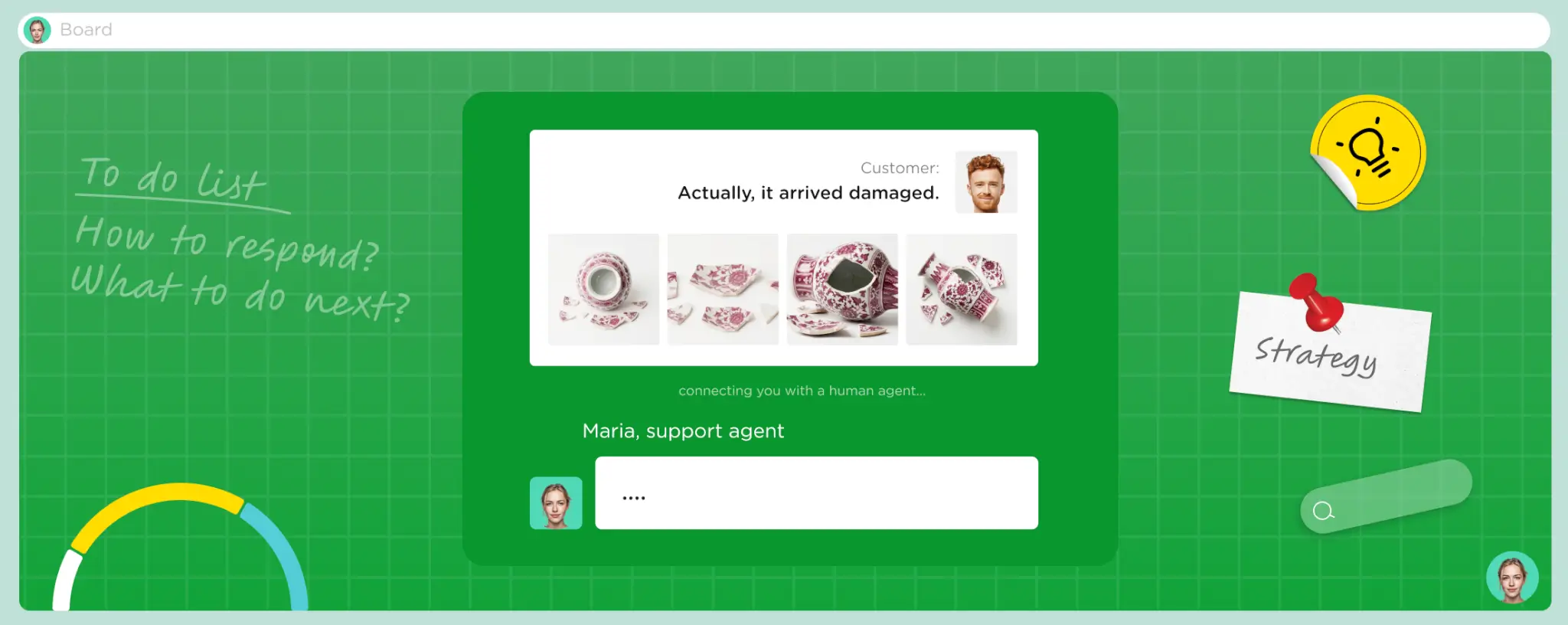
This is for ecommerce brands watching support tickets pile up while checkout and return complaints keep repeating. Growth exposes weak points in the customer journey faster than a small team can patch them. Here's what ecommerce customer experience actually covers, and eight ways to fix it before it costs you sales.
TL;DR
- eCommerce customer experience spans the entire customer journey, not just support tickets.
- Small friction points, like slow replies or confusing returns, quietly drain repeat purchases.
- Eight practical fixes, from response times to closing the feedback loop, move revenue.
- A short audit shows exactly where your CX is leaking, before you spend on tools.
Here's the size of what's at stake. Qualtrics XM Institute projects that bad customer experiences will put $3 trillion in global sales at risk. Shoppers cut spending with brands that let them down, often without saying why. For an online store, that risk shows up in abandoned carts, one-star reviews, and customers who never come back.
What Is eCommerce Customer Experience?
It's every impression a shopper forms while buying from your store. This covers product discovery, browsing, checkout, delivery, and what happens after the order arrives. Get it right, and each of those moments feels consistent, fast, and easy to trust.
eCommerce CX vs eCommerce Customer Service
Customer service is one touchpoint inside ecommerce CX. It's the conversation a shopper has when something goes wrong. CX is the full journey around that conversation. It includes parts a support ticket never touches, like page speed, checkout friction, and how a return really feels.
Why eCommerce Customer Experience Matters
The importance of customer experience in ecommerce comes down to repeat revenue. A shopper who has one smooth experience is more likely to buy again, and more likely to spend more per order. A shopper who hits friction rarely complains. They just go to a competitor instead.
PwC's 2025 Customer Experience Survey found that 52% of consumers stopped buying from a brand after a bad experience with its products or services. Most of them never say why. They just stop showing up in your order data.
For an online store, that cost compounds. A slow return process doesn't just lose one sale, it shapes whether that shopper, and everyone they tell, trusts the brand with a second order. Retention is cheaper to protect than it is to rebuild.
Acquiring a new customer through ads and discounts is expensive, especially as competition for the same shopper keeps growing across marketplaces and social platforms. A store that keeps existing customers happy spends less to hit the same revenue target than one that's constantly replacing customers it lost to friction.
8 Ways to Improve eCommerce Customer Experience
These eight changes target the moments where shoppers most often lose patience or trust. None of them require a full rebuild of your tech stack to start.
1. Cut First Response Time Across Every Channel
Shoppers judge a brand fast on how quickly it answers. A slow first reply on email, chat, or social reads as a warning sign, even before the issue gets solved. Set a target response time per channel and track it weekly, not quarterly.
Peak hours matter more than average response time. A store that's fast at 2pm, but silent at midnight still loses that midnight shopper. Coverage needs to match when customers actually reach out.
2. Make Order Status Self-Serve
"Where is my order" is the single most repeated support question in ecommerce. A self-serve tracking page, linked from every confirmation email, resolves most of that volume without a single agent touching it. It also feels faster to the shopper than waiting for a reply.
3. Fix the Returns Experience
Returns feel like a loss for the business, but for the shopper it's a trust test. A clunky return process turns one bad purchase into a lost customer. A clear, fast return policy, with a simple portal, can turn that same shopper into a repeat buyer.
Hidden fees, vague timelines, and manual approval steps are where most returns experiences fall apart. Publishing the policy clearly upfront, before checkout, avoids a chunk of the confusion that turns into support tickets later.
4. Personalize With Order and Browsing Data
Generic marketing blasts feel like noise. Order history and browsing behavior let you recommend the next right product instead of the same promo everyone else gets. Even simple personalization, like remembering past sizes or preferences, changes how supported a shopper feels.
5. Go Omnichannel Without Losing Context
Shoppers move between email, chat, and social without warning, and they expect you to remember the conversation. Losing that context forces them to repeat themselves, which feels careless. A shared inbox or helpdesk that ties every channel to one customer profile fixes this directly. For B2B sellers, well-structured B2B ecommerce development helps carry that same profile across portals and devices.
6. Add 24/7 Coverage Before Peak Season
Support volume spikes around sales events, holidays, and product launches, exactly when your team is already stretched. Building 24/7 coverage months ahead means it's tested and stable before the traffic hits. Scrambling to add coverage mid-spike almost always shows in slower replies and lower satisfaction.
7. Support Customers in Their Own Language
A shopper who has to explain a payment issue in a second language is already frustrated before the conversation starts. Native-language support removes that friction and builds trust faster, especially for higher-value purchases. This matters more as stores sell across borders through marketplaces and social commerce.
8. Close the Loop on Customer Feedback
Feedback that disappears into a spreadsheet doesn't change anything for the shopper who gave it. Closing the loop means telling customers what changed because of what they said, even briefly. That small step turns a complaint into proof that the brand is listening.
How to Audit Your eCommerce CX
An audit tells you which of the eight areas above need attention first, instead of guessing. Start with journey mapping: walk through the customer path yourself, from ad click to post-purchase email, and note every point of friction.
Next, build a touchpoint inventory. List every channel a shopper can reach you through, and check whether each one is staffed, fast, and consistent with the others. Gaps here usually explain why some channels get worse reviews than others.
Then review real support transcripts. Patterns in actual conversations, like repeated confusion at checkout or a recurring shipping complaint, point straight to the fixes that matter most. Don't rely on assumptions about what's broken.
Finish with drop-off analysis and gap prioritization. Rank the friction points you found by how many customers they touch and how much revenue sits behind them, then work down the list. If you want the specific numbers to track once you've mapped the gaps, customer experience KPIs is the place to start.
Run this audit at least twice a year, and after any major change to your product line or checkout flow. New friction tends to hide in the same transcripts and drop-off points you already reviewed last time, just in a slightly different spot.
eCommerce Customer Experience Trends for 2026
A few shifts are shaping how stores compete on customer experience for ecommerce this year, beyond the usual advice to "delight your customers."
AI handles the first reply, humans handle the judgment call. More stores route routine questions, like order status or return eligibility, to AI agents. People step in for anything that needs empathy or a real decision. For a closer look at where that split truly helps, how AI improves customer experience breaks down the specifics.
Checkout personalization is moving past product recommendations. Stores are starting to personalize shipping options, payment methods, and even return policy messaging based on what a shopper's own order history suggests they'll need.
Social commerce is creating a new support channel. As more purchases start on Instagram, TikTok, or WhatsApp, support has to follow the shopper there instead of forcing a switch to email.
Voice is coming back for high-stakes conversations. Chat handles routine questions well, but shoppers still reach for a phone call when an order is expensive, delayed, or confusing. AI voice agents are starting to cover that volume around the clock.
Proactive alerts are replacing "check your tracking page." Instead of waiting for a shopper to ask, stores now push shipping delays and restock alerts before the question comes in.
Compliance is becoming part of the sales pitch, past the fine print. As more stores handle payment data and customer records across borders, shoppers and partners ask how that data is protected. That question now comes before the commitment.
eCommerce Customer Experience Software and Platforms
The right stack depends on where your friction really is, not on buying every category at once.
| Category | What It Does | Example Tools | When You Need It |
| Helpdesk / ticketing | Centralizes email, chat, and social tickets in one queue | Gorgias, Zendesk, Freshdesk | Once a shared inbox starts losing track of tickets |
| Live chat & AI agents | Answers routine questions instantly on-site | Gorgias AI Agent, Intercom, Tidio | When response speed is costing you conversions |
| Order tracking | Lets shoppers self-serve order status | AfterShip, Narvar, WISMOlabs | When "where is my order" dominates ticket volume |
| Returns management | Automates return, refund, and exchange requests | Loop Returns, Happy Returns | When manual returns processing eats agent time |
| Customer data platform | Unifies browsing, purchase, and support data | Segment, Klaviyo, HubSpot | When personalization needs one customer view |
| Voice AI | Handles inbound and outbound calls without a live agent | SupportVoice and similar voice AI tools | When call volume can't scale with headcount |
Building an eCommerce CX Strategy
A CX strategy starts with the audit, not the tool list. Pick the two or three friction points costing the most revenue, and fix those before adding new software.
Set one owner for CX across departments. Support, marketing, and operations all touch the customer journey. Without a shared owner, a fix in one team can undo progress in another before anyone notices.
Build in a regular review cycle, monthly for fast-growing stores, quarterly once things stabilize. Customer experience for ecommerce shifts with every new channel, product launch, and peak season, so a strategy that isn't revisited goes stale fast.
Decide upfront which parts of CX stay in-house and which get outsourced or automated. Trying to own every channel with a small internal team usually means every channel gets slower, rather than one channel getting fast.
How SupportYourApp Improves eCommerce Customer Experience
SupportYourApp builds dedicated ecommerce support teams that cover email, chat, phone, and social from one place. AI handles routine requests, so human consultants can focus on the moments that need judgment. Consultants are trained on your product catalog, return policy, and tone before they touch a live ticket.
For Kurzgesagt, an ecommerce brand selling science-themed merchandise, that meant a tailored support setup built around Gorgias. It included a self-service FAQ built from real customer conversations. The result: email response time dropped to 12 minutes and CSAT reached 4.95. You can read the full case study for the details.
If your team is stretched across time zones, languages, or peak-season spikes, a dedicated ecommerce support partner can close those gaps fast.

Summary
eCommerce customer experience covers far more than the support inbox. It's shaped by every touchpoint between discovery and the moment a package arrives, and by what happens if something goes wrong. Fixing response times, returns, and feedback loops moves the needle faster than most stores expect.










