

When your agents bounce between an email inbox and a separate phone system, customers end up telling their story twice. This guide compares the best omnichannel CRM options for support leads at growing SaaS and ecommerce companies, so you can shortlist faster.
TL;DR
- An omnichannel CRM gives agents one record per customer, whatever channel the conversation started on.
- The six platforms here differ most on AI pricing and how the customer view is built.
- ecommerce brands and enterprise teams each have a clear front-runner.
- Your channel mix and team size matter more than the longest feature list.
Five9’s 2026 research found that 83% of consumers still have to repeat themselves at least sometimes after being transferred. Most of that friction comes from disconnected tools, where chat history lives in one place and call notes in another. Fixing it starts with the system your agents open every morning.
What Is an Omnichannel CRM?
It’s a customer platform that pulls every conversation, from email and live chat to phone calls and social DMs, into one customer record. Agents see the full history before they reply. A refund request that starts on Instagram and moves to the phone stays in one thread instead of becoming two tickets.
Multichannel tools offer several channels too, but each one keeps its own queue and history. The gap shows up at handoff. Genesys found that 95% of consumers expect information to be remembered across channels. Yet 48% of organizations don’t automatically pass it between virtual and human agents. Good omnichannel CRM software closes that gap by tying context to the customer, not the channel.
How We Evaluated These 6 Omnichannel CRM Platforms
We scored each platform on six criteria that decide whether a support team works faster after launch. Raw feature counts didn’t factor in, since most vendors list hundreds of them.
- Channels: email, chat, voice, SMS, social, and messaging apps, natively or through add-ons.
- Single customer record: one timeline per customer, or separate tickets per channel.
- AI features: agent assist, AI agents that answer customers, and how each one is billed.
- Integrations: order, billing, and account data agents can see without switching tabs.
- Price: the published starting price and how costs grow with seats or volume.
- Speed of launch: how much setup a mid-size team needs before going live.
Ratings come from G2 as of November 2026. Prices come from each vendor’s public pricing page, and we note where a vendor only quotes on request.
Best Omnichannel CRM Platforms for 2027
The six platforms below cover different teams, from single-brand Shopify stores to global contact centers. Each profile lists key features, trade-offs, and the kind of team that gets the most out of it.
1. SupportCRM by SupportYourApp
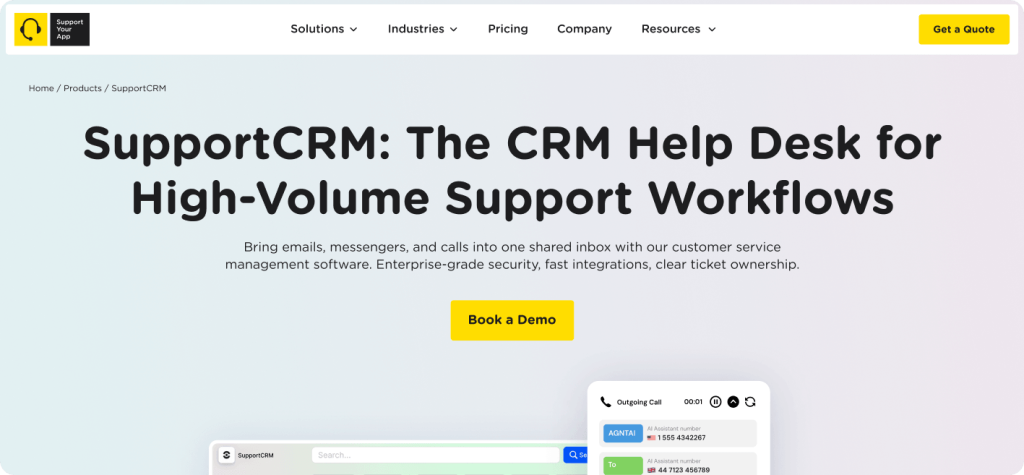
SupportCRM is SupportYourApp’s omnichannel customer service software, a unified agent inbox that brings email, voice, and chat into one workspace. Agents manage tickets and conversations in the same view. It’s part of the Support Intelligence Hub, so you can add AI products on top as volume grows.
Key features:
- Unified inbox for email, voice, and chat, available 24/7
- Ticket and conversation management in one workspace
- Built-in analytics and reporting
- Runs SupportVoice, SupportYourApp’s AI voice agent, which requires SupportCRM
Pros: one workspace with zero context switching for agents; ISO/IEC 27001, GDPR, and CCPA compliance; custom integrations with your existing systems on request.
Cons: pricing isn’t published; the channel list centers on email, voice, and chat, so check social and messaging needs during the demo.
Best for: teams that want the inbox, AI, and an outsourced support team from one provider.
Starting price: custom quote, scaled by team size.
G2 rating: 4.8/5
2. Kustomer
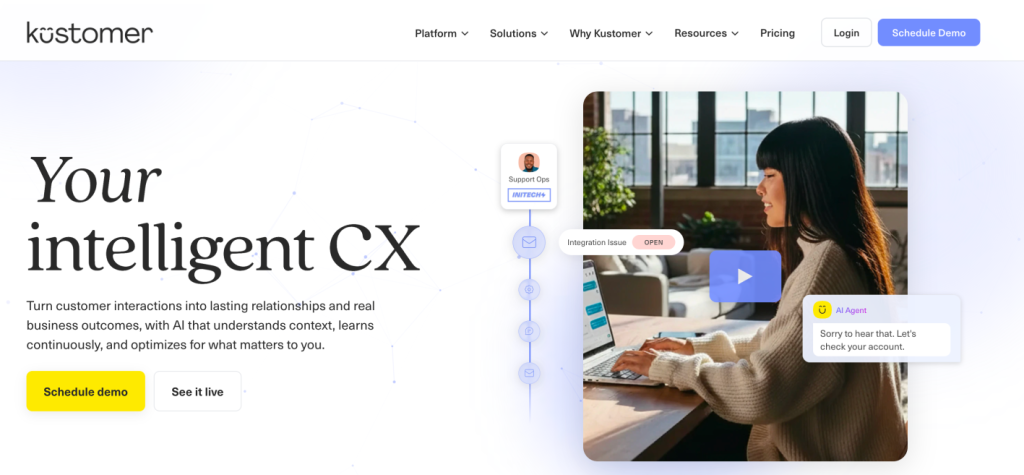
Kustomer organizes support around a customer timeline instead of tickets, so orders and conversations sit in one chronological view. AI comes as usage-based add-ons, which makes it easy to test automation on a slice of traffic first.
Key features:
- Timeline view that combines conversations, orders, and custom objects
- Email, chat, SMS, voice, social, and WhatsApp on one platform
- AI agents billed per engaged conversation, plus AI quality checks
- HIPAA add-on for regulated teams
Pros: a strong data model for brands with complex order histories; usage-based AI with no big seat commitment.
Cons: seat pricing isn’t public; custom objects usually mean a proper implementation project.
Best for: mid-size and enterprise B2C brands with heavy order data.
Starting price: custom quote; AI agent at $0.75 per engaged conversation.
G2 rating: 4.5/5
3. Gladly
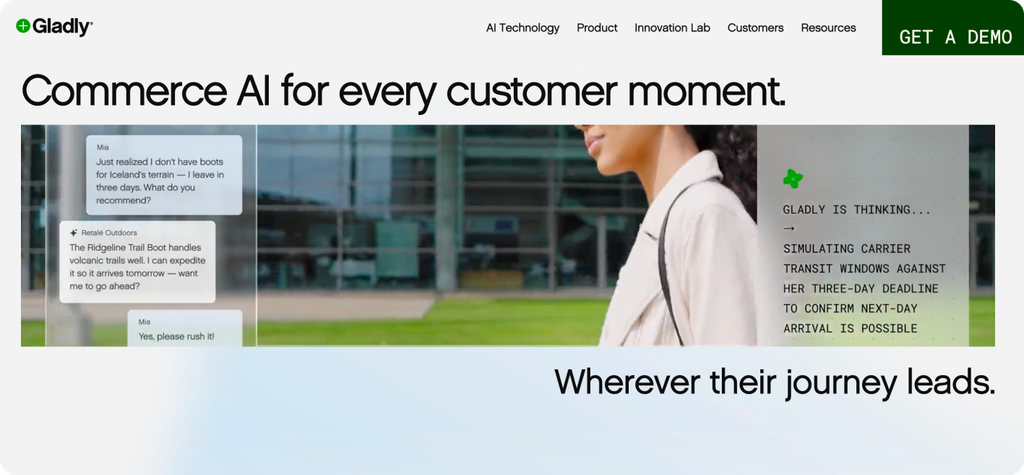
Gladly drops the ticket model completely. Each customer gets one lifelong conversation across voice, email, chat, SMS, and social, so agents greet people by name instead of a case number. Retail brands like it because support feels like part of shopping.
Key features:
- One lifelong conversation thread per customer
- Native voice next to digital channels
- AI for self-service answers and agent assist
- Customer profiles that pull in order data from commerce platforms
Pros: the most people-centered customer view in this list; voice is native, not bolted on.
Cons: pricing isn’t published; fewer tools for B2B workflows built around ticket numbers and account SLAs.
Best for: retail brands whose repeat customers call, chat, and email interchangeably.
Starting price: custom quote.
G2 rating: 4.7/5
4. Zendesk
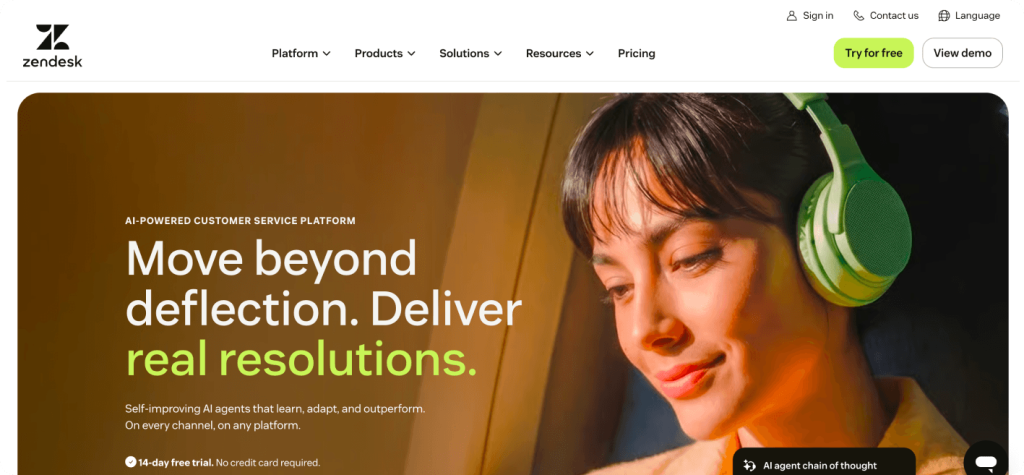
Zendesk is the most widely adopted name here. Its Suite bundles messaging, email, voice, and social into one ticketing workspace, and its app marketplace covers almost any tool a support team already runs. Conversations still live as tickets, though, so the quality of the customer view depends on your configuration.
Key features:
- Ticketing across messaging, email, voice, and social
- AI agents on every plan, plus Copilot agent assist as an add-on for Professional and higher plans
- A large marketplace of prebuilt integrations
- Help center and community tools in the same Suite
Pros: mature and well documented, with plenty of admins to hire; scales from small teams to global contact centers.
Cons: advanced AI sits on pricier tiers; costs climb quickly with seats and add-ons. Our breakdown of Zendesk pros and cons covers both sides in detail.
Best for: teams that want a proven platform with the widest integration choice.
Starting price: $55 per agent/month (Suite Team, billed annually).
G2 rating: 4.3/5
5. Gorgias (best for eCommerce)
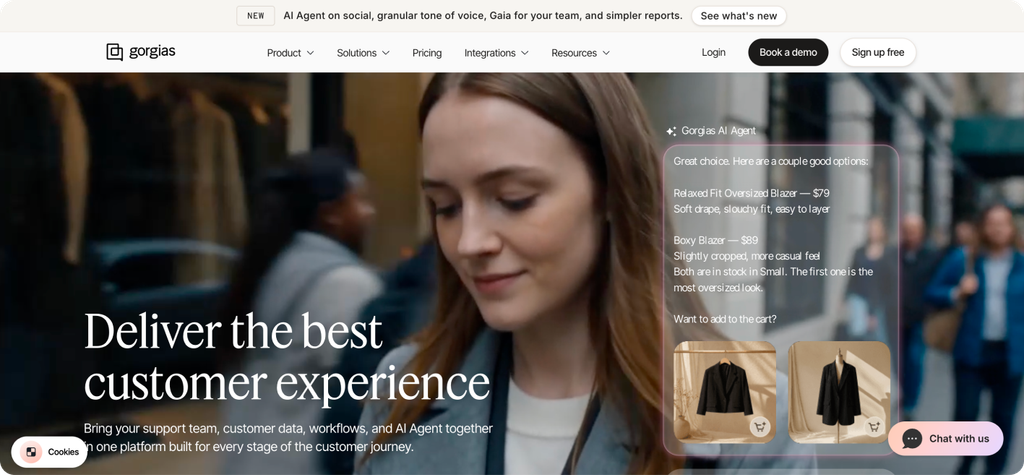
Gorgias is built for online stores, especially on Shopify. Agents can edit orders, issue refunds, and check shipping from inside a ticket, which cuts handle time on “where’s my order” questions. Pricing follows ticket volume instead of seats, so seasonal teams don’t pay for idle agents.
Key features:
- Email, chat, SMS, voice, and social DMs in one inbox
- Order actions for Shopify and other store platforms inside tickets
- AI Agent billed per automated interaction
- Revenue reporting that ties conversations to sales
Pros: quick setup for Shopify stores; volume-based pricing suits small teams with spiky demand.
Cons: limited value outside ecommerce; AI costs add up at high volume because every automated interaction is billed.
Best for: Shopify and DTC brands.
Starting price: $10/month (Starter, 50 tickets); AI Agent from $0.90 per automated interaction on annual plans.
G2 rating: 4.6/5
6. Zoho CRM
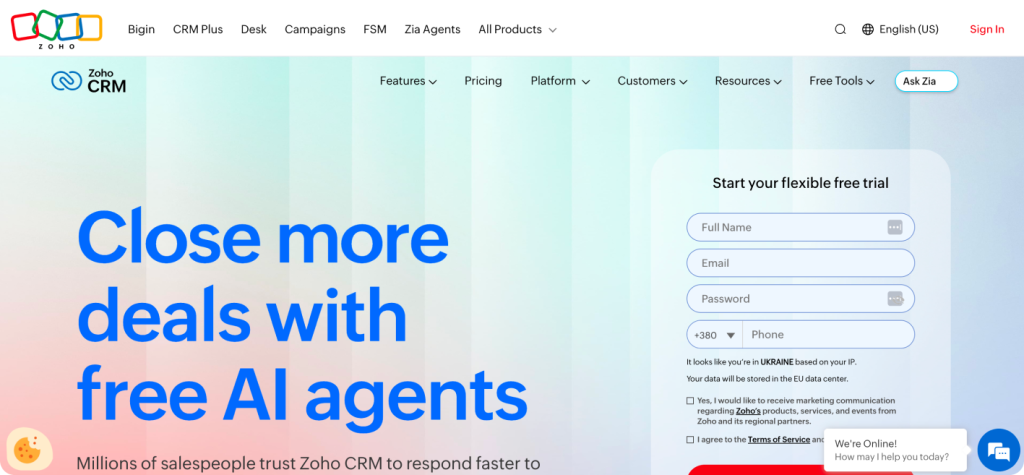
Zoho CRM started as a sales tool, but it now pulls email, telephony, social, and live chat activity into each contact record. Its AI assistant, Zia, flags trends and suggests next actions. Support-heavy teams usually pair it with Zoho Desk for ticketing, which keeps both tools on one customer database.
Key features:
- Contact records with email, phone, social, and chat activity
- Zia AI for predictions and suggested actions
- A free edition for up to 3 users
- Native links to Zoho Desk, SalesIQ, and the wider Zoho suite
Pros: the lowest entry price in this list; a good fit when sales and support share customer data.
Cons: real support workflows need Zoho Desk on top; the interface takes time to learn. Our Zoho pros and cons review goes deeper.
Best for: SMBs that want sales and service in one affordable CRM omnichannel setup.
Starting price: free for 3 users; Standard from $14 per user/month, billed annually.
G2 rating: 4.1/5
Omnichannel CRM Tools Compared
This table puts the six platforms side by side, so you can filter by channel coverage, customer view, and budget before booking demos.
| Platform | Channels | Single customer record | AI features | Best for | Starting price |
| SupportCRM | Email, voice, chat | Unified agent inbox | Runs SupportVoice | One-provider support stack | Custom quote |
| Kustomer | Email, chat, SMS, voice, social, WhatsApp | Customer timeline | AI agents, AI QA | Data-heavy B2C brands | Custom quote |
| Gladly | Voice, email, chat, SMS, social | Lifelong conversation | Self-service AI, agent assist | Retail brands | Custom quote |
| Zendesk | Messaging, email, voice, social | Ticket-based profile | AI agents, Copilot | Wide integration needs | $55/agent/month |
| Gorgias | Email, chat, SMS, voice, social | Ticket with order data | AI Agent per interaction | Shopify and DTC stores | $10/month |
| Zoho CRM | Email, phone, social, chat | Contact record | Zia AI | SMBs on a budget | Free (3 users) |
Published prices cover entry plans only. For any omnichannel CRM software, ask vendors to quote your real seat count, channel mix, and expected AI volume.
How to Choose an Omnichannel CRM Platform
Start with the channels your customers already use and the people who’ll run the tool every day. There’s no single best omnichannel CRM 2027 pick for every team, so match the platform to your scenario:
- eCommerce: Gorgias, if you sell on Shopify and want order actions inside tickets.
- Enterprise: Zendesk or Kustomer, for complex routing, deep integrations, and admin controls.
- Complex B2C support: Gladly, when the same customers contact you often and expect to be remembered.
- Quick start: Zoho CRM’s free edition for small teams, or SupportCRM if you want the inbox and an outsourced team from one provider.
Whichever you pick, run a two-week pilot with real conversations before signing an annual contract.
Choosing the Right Omnichannel CRM
The right platform is the one where agents see the whole customer story the moment a conversation opens. Compare channel coverage and AI pricing, then pilot your top two with live traffic. If you’d like the workspace and the support team behind it from one partner, take a look at SupportYourApp’s customer service CRM software.