


When a small team is busy with customers, the phone rings out, and that missed call is often a lead gone for good. This guide compares five contenders for the best AI receptionist for small business owners. We judge each one on setup time, pricing model, and what happens when a caller needs a person.
TL;DR
- An AI receptionist picks up and routes calls around the clock, so after-hours callers stop landing in voicemail.
- The five tools here split into self-serve apps you can launch the same day and managed setups with a human team behind the AI.
- Billing units differ more than headline prices, so match the pricing model to how your callers behave.
- The right pick depends on how often callers need a person rather than the length of the feature list.
The phone still matters more than most owners expect. In Invoca’s 2026 consumer research, 41% of people said they prefer to call when they have a problem. The phone ranked as the top help channel for every generation. For a small business without a front desk, each unanswered ring is a customer who wanted to talk and couldn’t.
What an AI Receptionist Does for a Small Business
An AI receptionist is software that answers your business phone line, talks with callers in plain language, and handles the routine part of the call. It answers questions about hours, prices, and services, books appointments into your calendar, and sends you a summary. When a call needs judgment, it transfers the caller to a person.
The AI receptionist benefits small business owners notice first come from coverage. The line picks up during lunch rushes, on weekends, and after closing, and you don’t add a second hire. Deloitte Digital’s 2026 contact center research found consumers estimate they spend 36% more with companies that give great service.
An AI receptionist for small business calls struggles with angry callers and with requests outside its script. Those calls still need a person, which is why human backup matters as much as the AI when you compare tools. The hard calls tend to decide whether a customer stays.
How We Evaluated These AI Receptionists
We judged four factors that decide whether an AI receptionist for small business use keeps earning its fee past the first month. Prices, plan limits, and features come from each vendor’s own website, checked in November 2026. Where a vendor makes a claim we couldn’t test, like setup speed, we say it’s the vendor’s claim.
- Setup time, from sign-up to a live phone line.
- Pricing model, since the billing unit shapes your bill more than the sticker price.
- Human backup, and whether that person works for you or for the vendor.
- Call handling depth: booking, transfers, CRM updates, and languages.
AI Receptionists Compared
The five tools in this comparison differ most on how you pay and who picks up the phone when the AI can’t help. The table uses each vendor’s lowest paid plan as the starting price wherever a public price list exists.
| Tool | Setup | Pricing model | Human backup |
| SupportYourApp (SupportVoice) | Runs on SupportCRM | Scales with call minutes, no public price list | Escalates complex calls to a human |
| Smith.ai | Vendor-led onboarding | Per call | Live North America-based receptionists |
| Goodcall | Self-serve, built with an AI builder | Per unique customer | Transfers to your own staff |
| Dialzara | Self-serve, vendor says about 15 minutes | Per minute | Warm transfer on top plans only |
| Rosie | Self-serve, learns from your website | Per minute | Warm and live transfers from the Scale plan |
Five Small Business AI Receptionist Options Reviewed
Each review covers what the tool does well, where it falls short, and which kind of business it fits. SupportYourApp comes first because it’s our own service, and we’ve held its review to the same criteria as the others.
1. SupportYourApp
SupportYourApp offers SupportVoice, an AI voice agent that answers inbound calls and makes outbound ones 24/7 in 120+ languages. It routes callers by intent, looks up account data, and updates records during the call. When a call gets complex, SupportVoice escalates it to a human, so the caller doesn’t hit a dead end.
The tradeoff is setup. SupportVoice runs on SupportCRM, SupportYourApp’s unified inbox, so you’re adopting a workspace along with the voice agent. SupportYourApp doesn’t publish a price list, and SupportVoice pricing scales with call minutes. It suits travel, hospitality, SaaS, and fintech businesses that expect call volume to grow and want a support team behind the AI.
2. Smith.ai
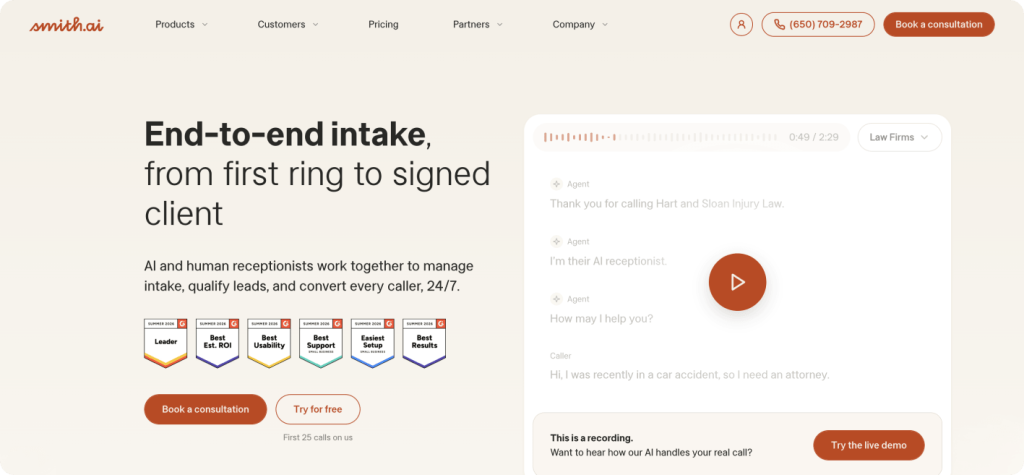
Smith.ai also runs a human receptionist service, and its AI receptionist keeps that human layer close. The AI speaks English and Spanish, and Smith.ai filters known spam numbers before they count against your plan.
Backup is where Smith.ai stands apart. Any call can move to a live North America-based receptionist, day or night, which the self-serve tools here don’t offer. Per-call billing gets expensive on a busy line, though. Law firms get Clio and MyCase integrations, which makes them a natural fit.
3. Goodcall
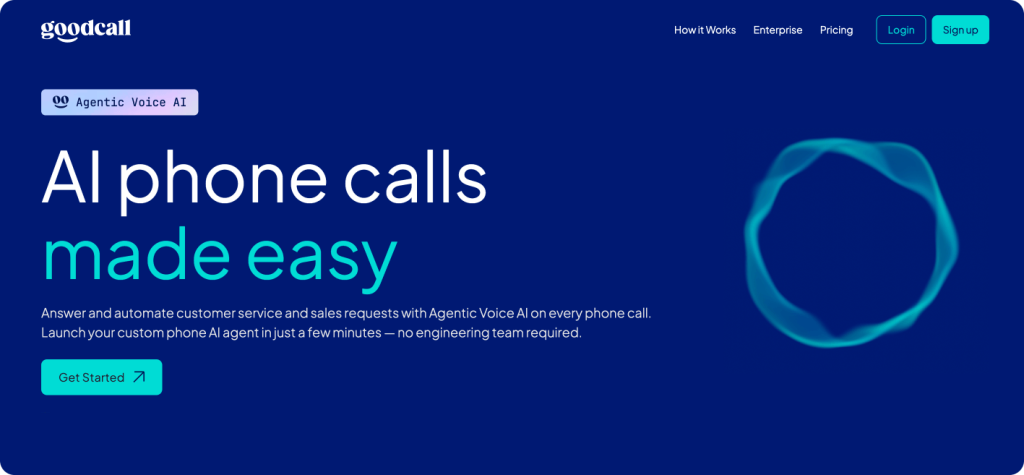
Goodcall bills by unique customer instead of by minute, so a chatty caller doesn’t raise your bill. Every plan includes a local number, or you can forward your existing one.
You set up Goodcall by describing your business to its builder assistant, which drafts the greeting and call steps and runs practice calls. Building and testing a demo agent is free, and you pay once you connect a number. Goodcall transfers calls to your own team, not to vendor-staffed backup. Per-customer billing favors businesses where the same clients call often.
4. Dialzara
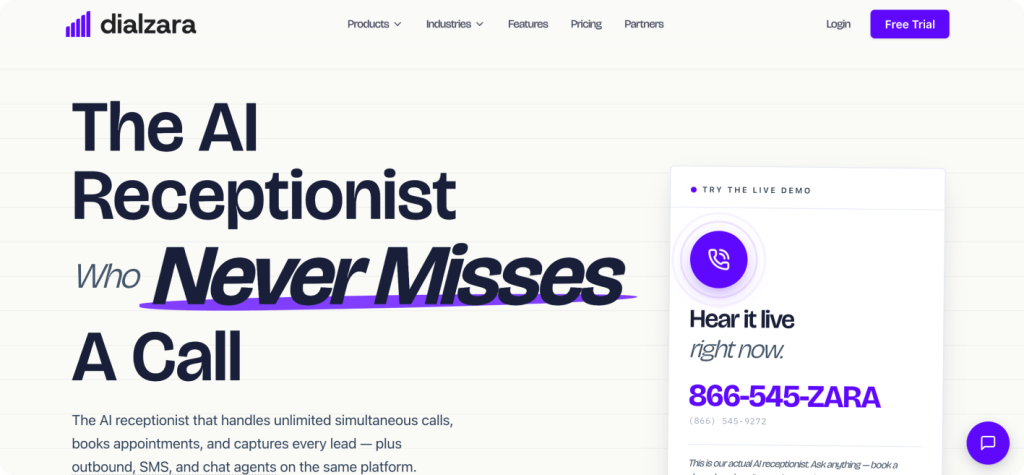
Dialzara has the lowest entry price in this list, and its tiers scale by included minutes, so you move up as call volume grows. Every tier bills overage per minute. Every plan includes 24/7 answering, appointment booking, lead qualification, CRM and calendar integration, and 10 languages.
Dialzara says most businesses go live in about 15 minutes, and every paid plan includes a one-on-one onboarding call. Warm and blind transfers appear only on the top Elite plan and the Done for You tier. Done for You adds ongoing prompt engineering at a much higher price, and lower plans list call routing instead.
5. Rosie
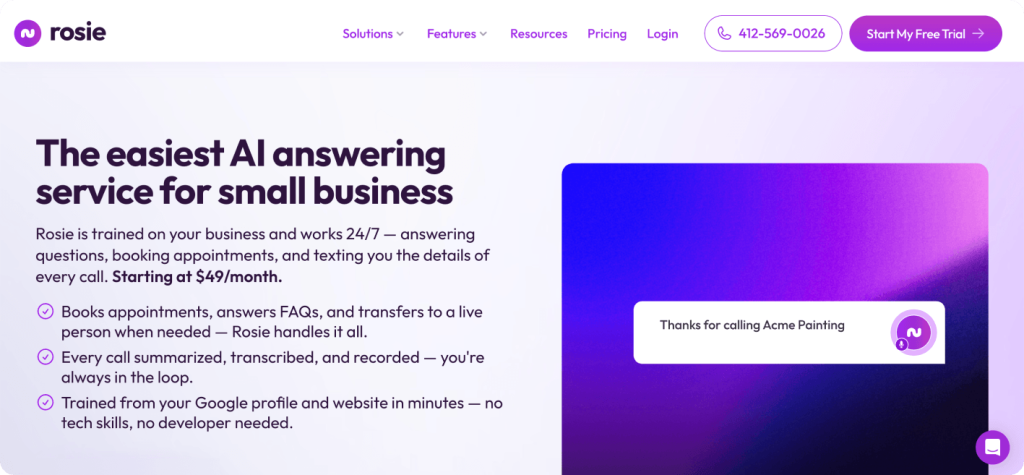
Rosie learns your hours, services, and basic details from your Google profile and website, which keeps setup short. Professional, Scale, and Growth plans step up in included minutes, so the bill climbs only as call volume does. After each call, Rosie texts you the details, and every plan includes free website chat.
Rosie’s per-minute rate works out lower than Dialzara’s at every tier. Professional only texts callers an appointment link, while Scale adds direct calendar booking plus warm and live transfers. Growth adds waterfall transfers that ring several numbers until someone answers, which suits home service crews with several staff phones.
How Much Does an AI Receptionist Cost for a Small Business?
An AI receptionist costs most small businesses less per month than a part-time hire, and the bill grows with call volume. A fair AI receptionist for small business cost estimate starts with your call log, not the plan price. Count your monthly calls, the average call length, and how many callers are repeat customers.
- Per call (Smith.ai): predictable for long calls, pricey on a busy line.
- Per minute (Dialzara, Rosie): cheap for quick questions, costlier for long calls.
- Per unique customer (Goodcall): good value when the same clients call often.
- Call minutes (SupportYourApp): built for growing volume with a support team attached.
Overage rates matter as much as the base price. Goodcall’s Scale plan charges per extra customer, while Smith.ai’s Pro plan charges per extra call. Transfer features also change the math, since Dialzara and Rosie keep warm transfers for higher tiers. Price the plan that includes the backup you need, not the cheapest one.
How to Choose the Right AI Receptionist
Start with how often your callers need a person, because that decides which tools make the shortlist. If most calls are bookings and opening-hours questions, a self-serve tool like Dialzara, Rosie, or Goodcall covers you. If callers often need judgment, look at Smith.ai’s live receptionists or a managed setup like SupportYourApp’s.
Next, test each tool as a caller. Most offer a free trial, free tier, or demo agent, so call your own line at a busy hour with an awkward question. An AI virtual receptionist small business customers trust should admit what it doesn’t know and pass the call along cleanly.
Last, check where call data goes. Ask whether the tool connects to your calendar and CRM, who can listen to recordings, and which compliance standards the vendor holds. A fintech or healthcare practice needs those answers in writing before any customer data reaches an AI receptionist for small business calls.
Choosing the Best AI Receptionist for Small Business
Dialzara and Rosie have the lowest entry prices, Goodcall rewards repeat callers, and Smith.ai offers the strongest live backup. SupportYourApp fits growing teams that want AI and a support team together. The best AI receptionist for small business owners answers routine calls alone and passes the hard ones to a person.